To properly display this page you need a browser with JavaScript support.
×
Menu
Índex
Procurar
Procurar
Procurar
2. Instructions for Installing the Custom Agent
2.2. Instructions for Uninstalling the Custom Agent
Página anterior
Próxima página
To properly display this page you need a browser with JavaScript support.
2.2. Instructions for Uninstalling the Custom Agent
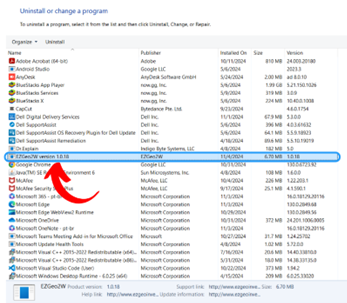
1. Go to the Control Panel and click on “Programs”.
2. Click on “EZGeo2W”.
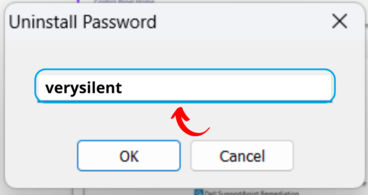
3. Enter the password "verysilent".
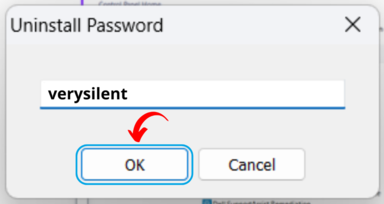
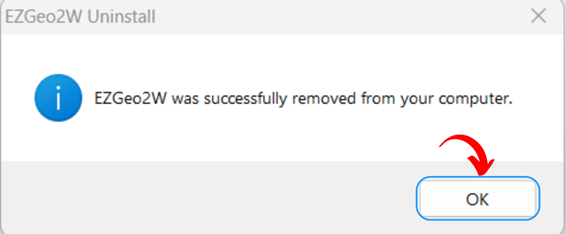
4. Click on “OK”.
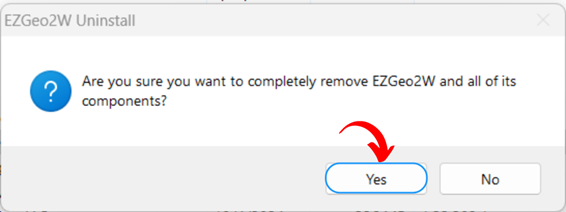
5. Click on “Yes” to confirm.
6. Done!
O conteúdo de 2.2. Instructions for Uninstalling the Custom Agent
2.2.1. Instructions for Silent Uninstallation via Command Prompt
A ajuda online é criada com Dr.Explain