1. EZGeo Inventory - First Steps
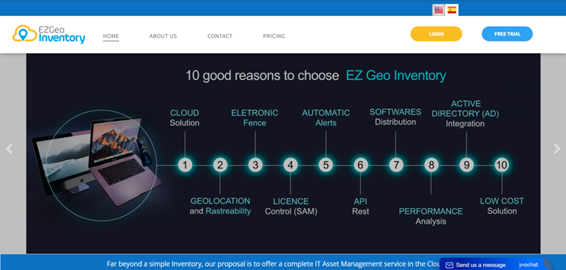
1. After receiving your access credentials, go to the portal at https://www.ezgeoinventory.com
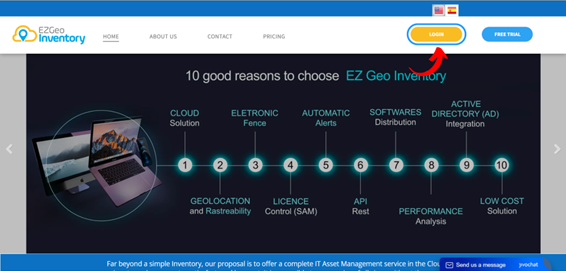
2. Click on "Login".
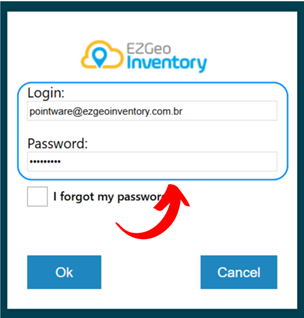
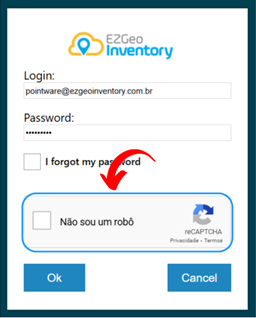
3. Enter the login username and password provided to proceed.
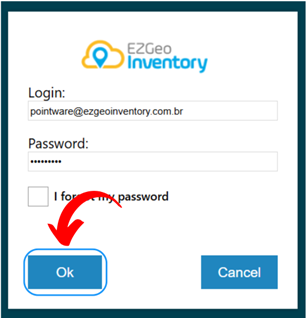
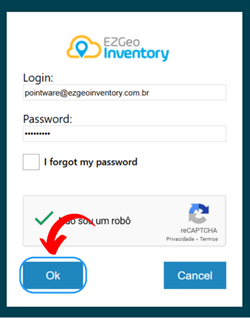
4. After filling in the required fields, click on "OK" to access the EZGeo Inventory portal.
Note: If you enter the wrong password three times consecutively, you will be asked to confirm "I am not a robot."
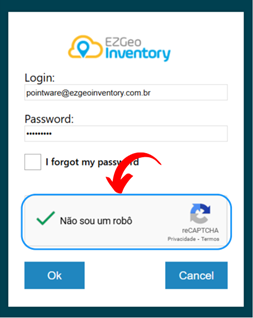
1. Check the "I am not a robot" box and follow the instructions to select the necessary images for verification.
2. Click on "OK".
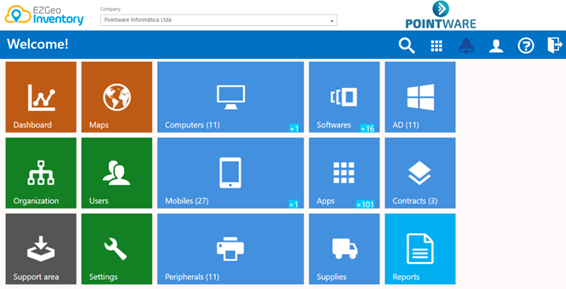
Accessing the Main Menu:
Upon accessing the portal, you will be automatically directed to the main menu.