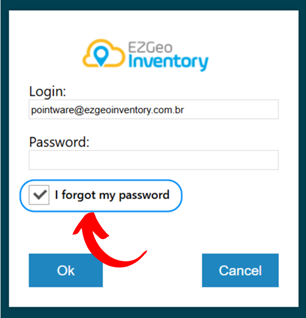
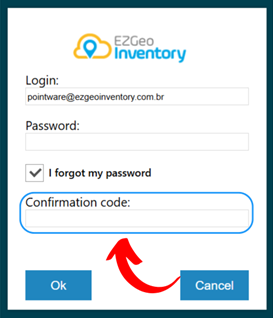
1. If you have forgotten your password, enter your email and select the "I forgot my password" option.
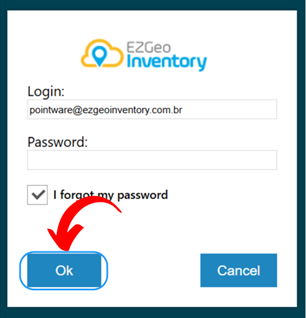
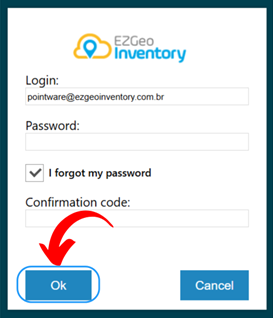
2. Click on "OK" to confirm.
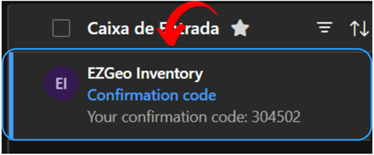
3. An email containing a confirmation code will be sent to the registered login address. Ensure that the provided email is valid and accessible.
4. Access your inbox and locate the email sent by the system. Also, check the spam or junk mail folder if you do not find the email in the main inbox.
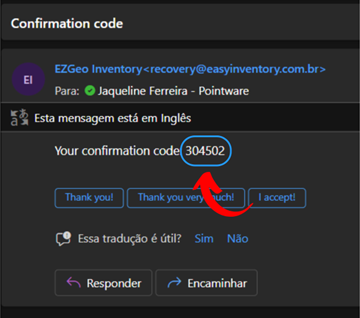
5. Copy the confirmation code from the email and enter it in the corresponding field in the system.
6. After entering the confirmation code, click on "OK".
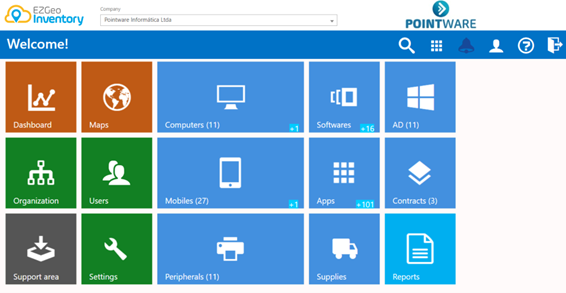
7. You will be automatically directed to the main menu.
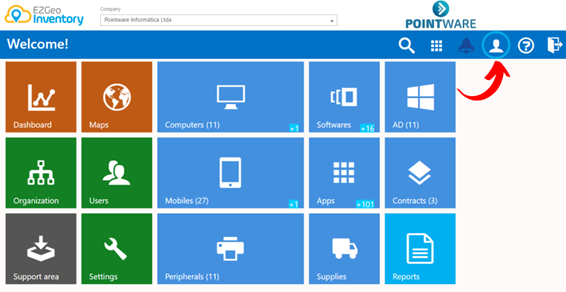
8. Click on "User Preferences".
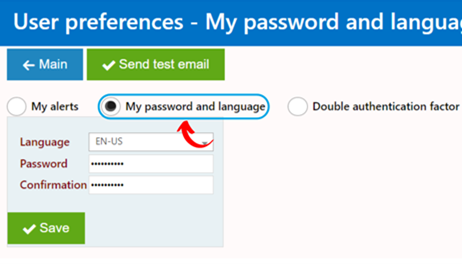
9. Select the "My Password and Language" section.
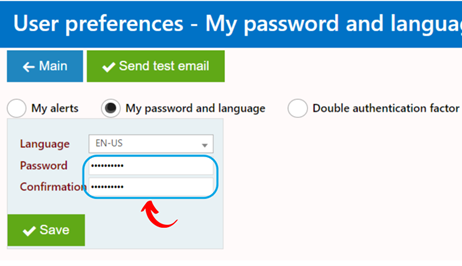
10. Enter the new password in the designated fields, ensuring it meets the security requirements set by the system, such as minimum length and inclusion of special characters.
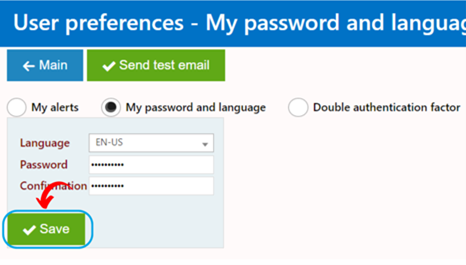
11. After confirming the new password, click on “Save”.